Transforming a Tracker into an Actionable Advocacy Tool

Transforming a Tracker into an Actionable Advocacy Tool

Personal project

Dec 2025

I have a few friends who are perpetually on Do Not Disturb. When I call, it goes straight to voicemail. Are they in Focus mode, or are they declining my call? If they haven't disabled repeated calls, should I try again and risk interrupting something important?

To explore this ambiguity, I designed a lightweight enhancement to iOS Focus that surfaces status information at key calling touchpoints while preserving user privacy. The concept reduces caller uncertainty, and gives users more control over how their availability is communicated.

All observations and designs are based on the iOS experience as of December 2025. The platform may have evolved since then.

Some content is hidden on mobile. Visit on desktop for the full experience!

CONTEXT

Sole designer

2-day design sprint

TOOLS

Figma

SKILLS

Feature ideation

Interaction Design

Rapid prototyping

Transforming a Tracker into an Actionable Advocacy Tool

RFK Human Rights
Harvard Tech4SocialGood

Spring 2025

Over Spring 2025, I led a team to redesign RFK Human Rights’ Civic Spaces Case Tracker (CSCT) website, taking it from a system reliant on Google Forms and emails into a more actionable platform for litigant resource sharing and collaboration.


As project manager, I communicated directly with clients, guided project direction, and, most importantly, mentored teammates who were brand-new to UX design. I also contributed hands-on at every stage of the process—from user research, to feature ideation, to prototyping—to ensure the final product was both user-friendly and strategically aligned with client needs.

Content truncated on mobile.

View on desktop for full experience.

CONTEXT

Project manager (+ 5 designers)

10 weeks

Development pending

TOOLS

Figma

Notion

Notion

SKILLS

Leadership

Leadership

Client Communication

Client Communication

User Interviews

User Interviews

Usability Testing

Usability Testing

Feature Ideation

Feature Ideation

Info Architecture

Info Architecture

THE PROCESS

Project Timeline

The CSCT Should be a

Catalyst for Change

As PM, I devised and coordinated a 10-week project roadmap based on the double diamond design process, including a midpoint and final client presentation.

THE CLIENT’S VISION

The CSCT Should be a Catalyst for Change

The CSCT Should be a Catalyst for Change

The CSCT Should be a

Catalyst for Change

RFK Human Rights pursues strategic litigation to uphold human rights worldwide. Their CSCT maps cases in Africa and the Americas to enhance collaboration and support for local litigants.

During the initial consultation, the clients and I discussed key challenges and goals.

“We want to make it clear that the tracker doesn’t just track, it also provides support. We want to support more litigants effectively while setting a new standard for human rights advocacy tools.”

CHALLENGES

Figma

1.

Manual, Time-Intensive Coordination

90% of cases and updates are sourced manually, limiting their ability to scale & respond rapidly

2.

Response to Support Resources

Resources for litigants are shared through mailing lists, with varying levels of engagement

3.

Garnering Public Support

It’s unclear how visitors find the site and whether they stay to explore other cases.

GOALS

Figma

1.

Motivate Litigants

to add new cases and update cases directly through the CSCT

2.

Encourage Collaboration

between litigants and allied litigating organizations

3.

Mobilize Action

through the public to amplify important causes

UNDERSTANDING THE TARGET AUDIENCE

User Personas

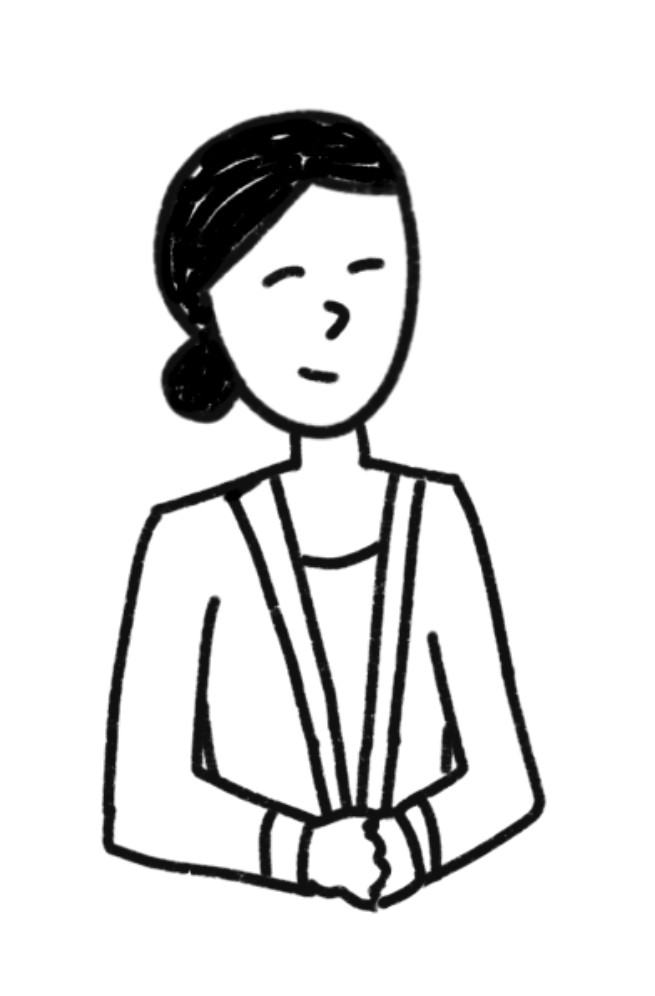
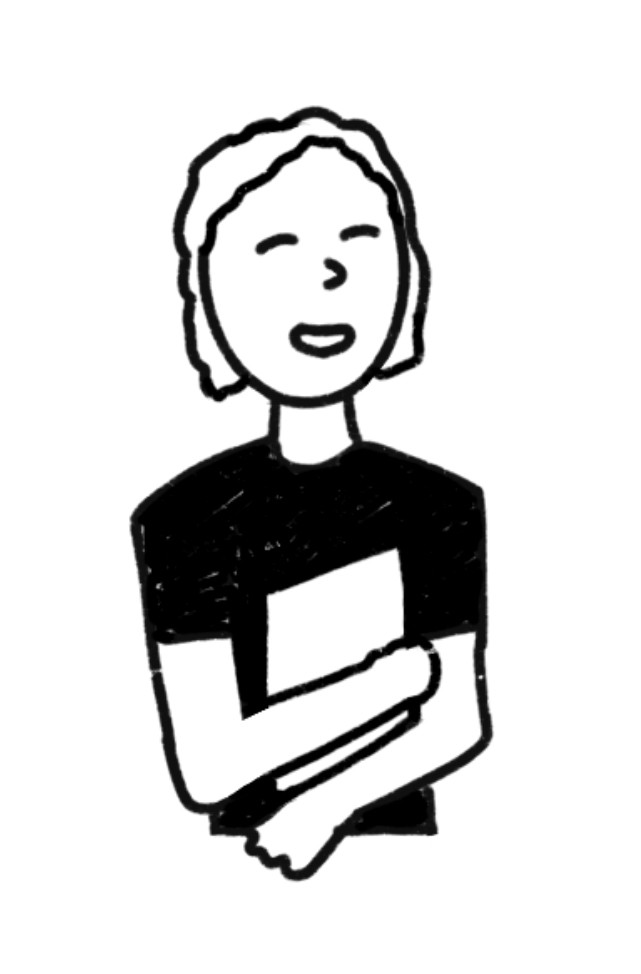
The clients informed us that litigants are the highest-priority users, followed by allied organizations that support cases, and then members of the public. Recognizing our limited knowledge of the legal space and its operations, I created 3 distinct user personas to guide my team.
User Interviews

After a question brainstorming session, we conducted 7 user interviews with adults and students both in and outside of Harvard. Due to the short turnaround time, we were only able to schedule litigants/allied orgs for usability testing later in the semester.

We conducted 7 user interviews with adults and students both in and outside of Harvard.

Goal: Understand how the general public engages with and supports human rights causes, as well as what would motivate them to take action or share related content.

1

Are there any human rights issues that resonate with you personally? What makes them important to you?

2

How do you stay informed on human rights issues? What sources do you rely on?

3

Have you taken action to support a human rights cause? If so, what motivated you, and what did that experience look like?

4

What kind of information makes you more likely to engage with or share a human rights cause? What type of information discourages you? Why?

5

Freely navigate the Civic Spaces Case Tracker and give us any and all feedback.

6

What challenges did you encounter on the CSCT? What did you find useful?

7

What information or features would make the tracker more useful, or encourage you to engage more with the human rights cases?

Interview Questions

Affinity & User Journey Mapping

We synthesized insights from the CSCT navigation portion of user interviews to identify key patterns.

THE PROBLEM

The CSCT is Being Vastly Underutilized

The CSCT is Being Vastly Underutilized

From our mapping, key pain points quickly emerged:

1.

Manual Processes

Inefficient workflows for litigants to add a case and litigating organizations to join a case. 

Manual Processes

2.

Low Resource Accessibility

Litigants aren’t able to view support resources directly from the main site, making it difficult for them to recognize the value of adding a case.

Low Resource Accessibility

3.

Perceived Unreliability

Everything is done through the use of informal Google Forms, undermining trust in the process's reliability and integrity.

Perceived Unreliability

4.

Lack of Personalization

No tailored user experience for litigants or litigating organizations depending on their needs.

Lack of Personalization

5.

Unclear Public Action

Outside of the main carousel, the public doesn’t know how to effectively support cases.

Unclear Public Action

OUR FOCUS

Empower litigants, allied organizations, and the public through accessible resources, personalized support measures, and clear calls to action.

FEATURE IDEATION

Seeking Inspiration from Similar Sites

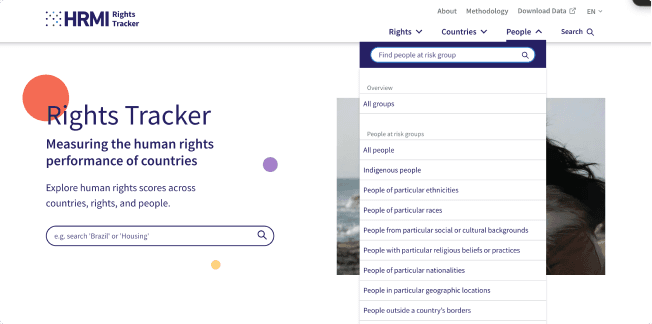
As a team, we gathered key takeaways from 5 sites that track and bring attention to human rights issues to identify potential opportunities for improving the CSCT.

FEATURE IDEATION

Brainstorming, then Refining Features
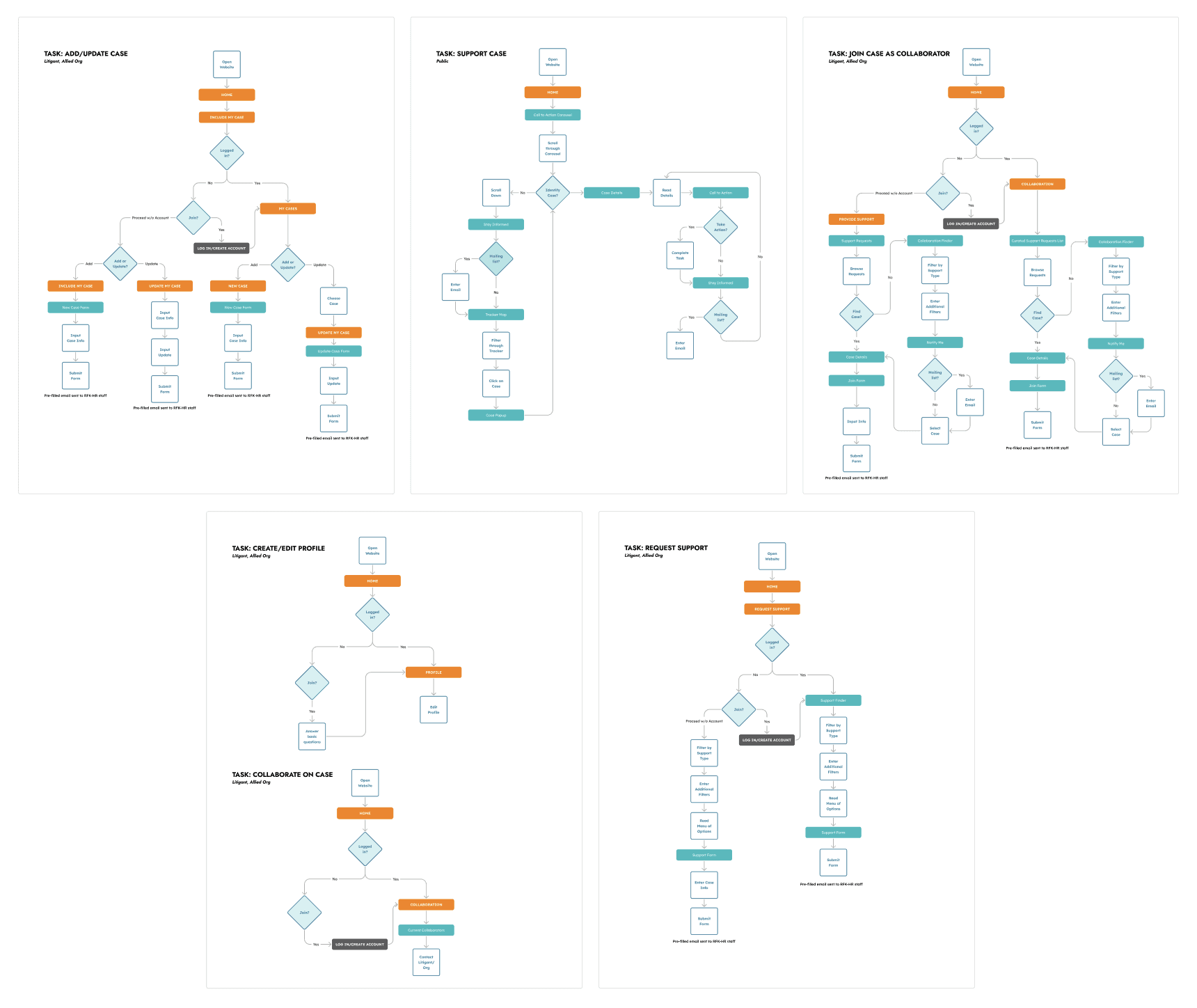
Although the clients mentioned they might need to outsource development, they encouraged us to think boldly and deliver conceptual designs they could pursue with future funding if needed.

Recognizing that reliability and personalization were key pain points, our team proposed not only updating the existing site but also introducing a login and basic litigant dashboard. I led several rapid brainstorming sessions, where we generated 30+ feature ideas.

I assessed each idea against priority, feasibility, and impact, and as a team, we narrowed the list to the most valuable features. From there, we developed user flows for five key user tasks:

I led several rapid brainstorming sessions, where we generated 30+ feature ideas. They ranged from small enhancements like a language toggle to larger additions like a personalized dashboard landing page. We then categorized each idea by type (site page, dashboard page, form, or page element).

I assessed each idea against priority, feasibility, and impact, and as a team, we narrowed the list to the most valuable features.

Before entering the design phase, I created a sitemap to ensure everyone was on the same page.

PULLING IT TOGETHER

Our Final Product
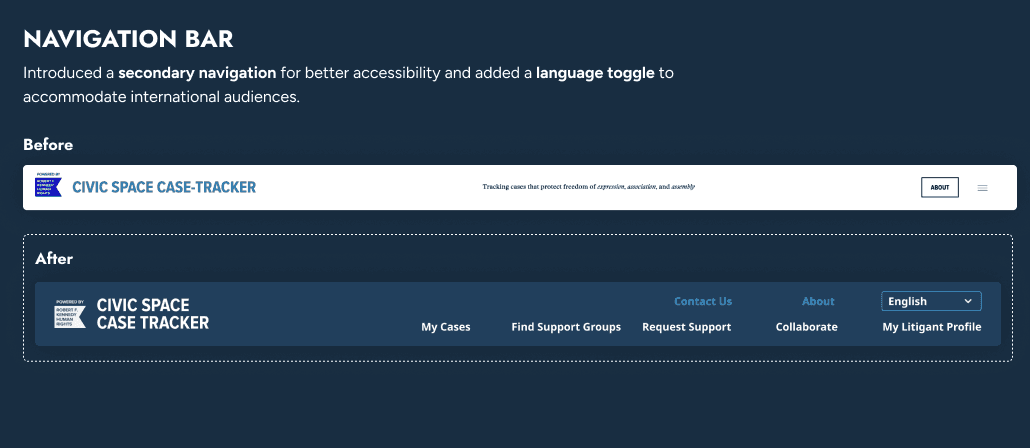
The features we designed ranged from small enhancements like a language toggle to larger additions like a resource and support group finders and a personalized dashboard landing page. After usability testing with our lo-fi wireframes, I synthesized findings into actionable design changes, ensuring that findings directly informed product improvements.

While my primary design focus was the resource finders, I also worked to unify visual and interaction patterns across the team’s assignments, so the final prototype felt cohesive and intuitive. Beyond design execution, as PM, I ran Figma workshops, mentored teammates new to UX, and gave consistent, constructive feedback on their designs. Seeing teammates grow in skill and confidence while the product itself came together was ultimately my favorite part.

Impact & Outcomes

Usability Testing Results

+19% Increase in likelihood of adoption (7.8/10 to 9.3/10)

Up to 18% improved satisfaction across new features:

  • 9.25/10 for the login feature

  • 8.5/10 for the new menu of options

  • 8.5/10 for the new support group finder

Before: Static R outputs requiring tedious, manual inspection of data and network graphs

After: Supports faster outbreak understanding and analysis, critical for public health response.

Stakeholder Feedback

Client: "This is spectacular. We worked with two major, professional design organizations before you, but none of them understood the tracker like you did—your team grasped the purpose, the users, and the vision far better.”

Allied Org User (testing): “Brilliant. The infrastructure looks fantastic and much more accessible and intuitive. This wireframe represents exactly what users want. The existing site looks like beta testing in comparison.”

Senior Scientists: Reported that the new visualization made R outputs significantly faster to interpret and more actionable for outbreak investigation — "night and day"

Team Feedback

"You’ve been a stellar PM"

"You've truly handled everything, and guided us so clearly. I learned so much about UX"

Senior Scientists: Reported that the new visualization made R outputs significantly faster to interpret and more actionable for outbreak investigation — "night and day"

"You’ve been a stellar PM."

"You've truly handled everything and guided us so clearly. I learned so much."

Reflection

1.

Lead with energy.

I learned that the most effective way to motivate a team is to get them genuinely excited about why the work matters.

Lead with energy.

2.

Deeply understand client and user needs.

Research isn’t just a step to check off. It’s the foundation for decisions that resonate.

Deeply understand client and user needs.

3.

Patience is essential.

Mentoring teammates new to design reminded me that iteration and growth are crucial. Each round of feedback and refinement deepened both the project and our team’s skills.

Patience is essential.